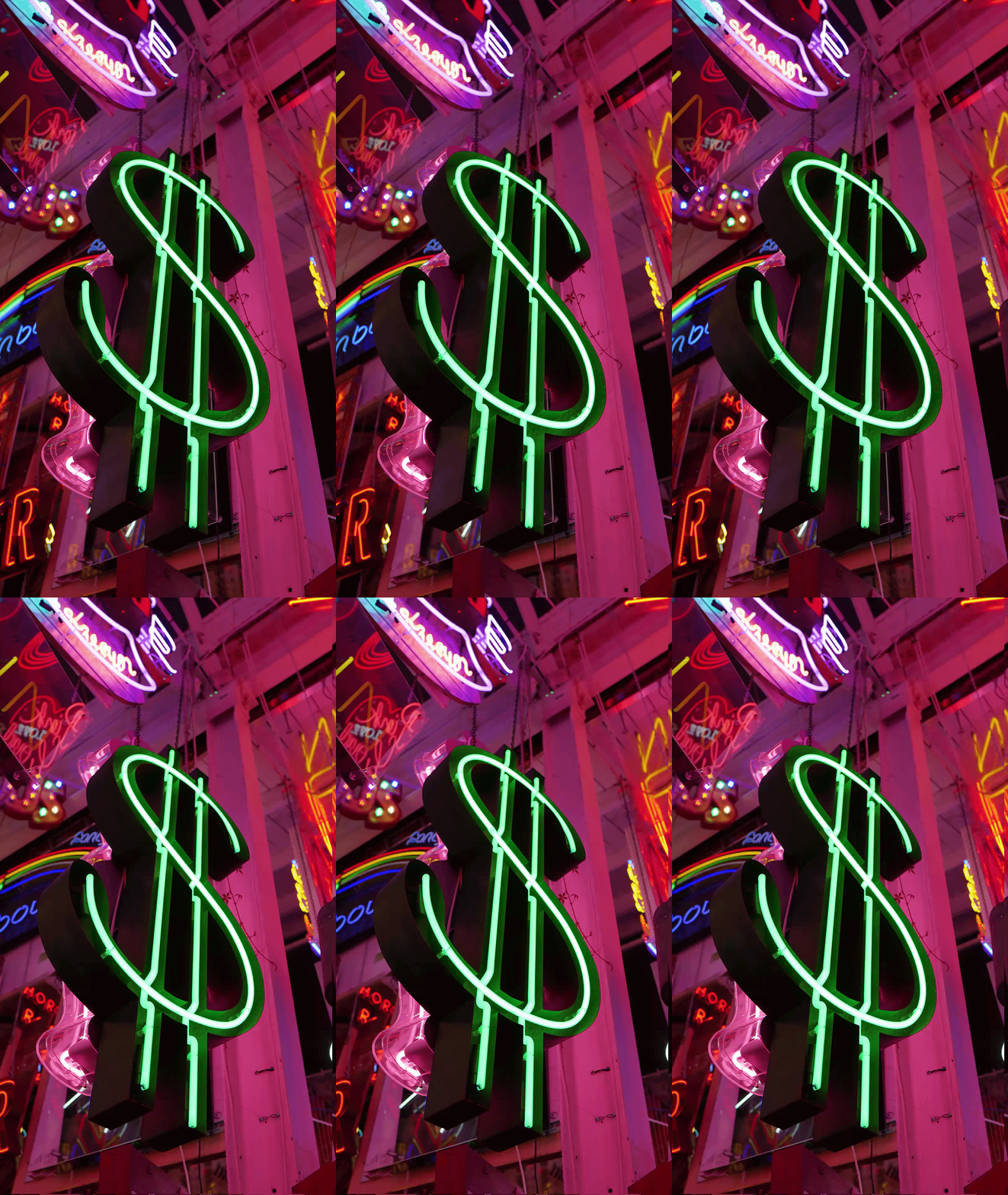
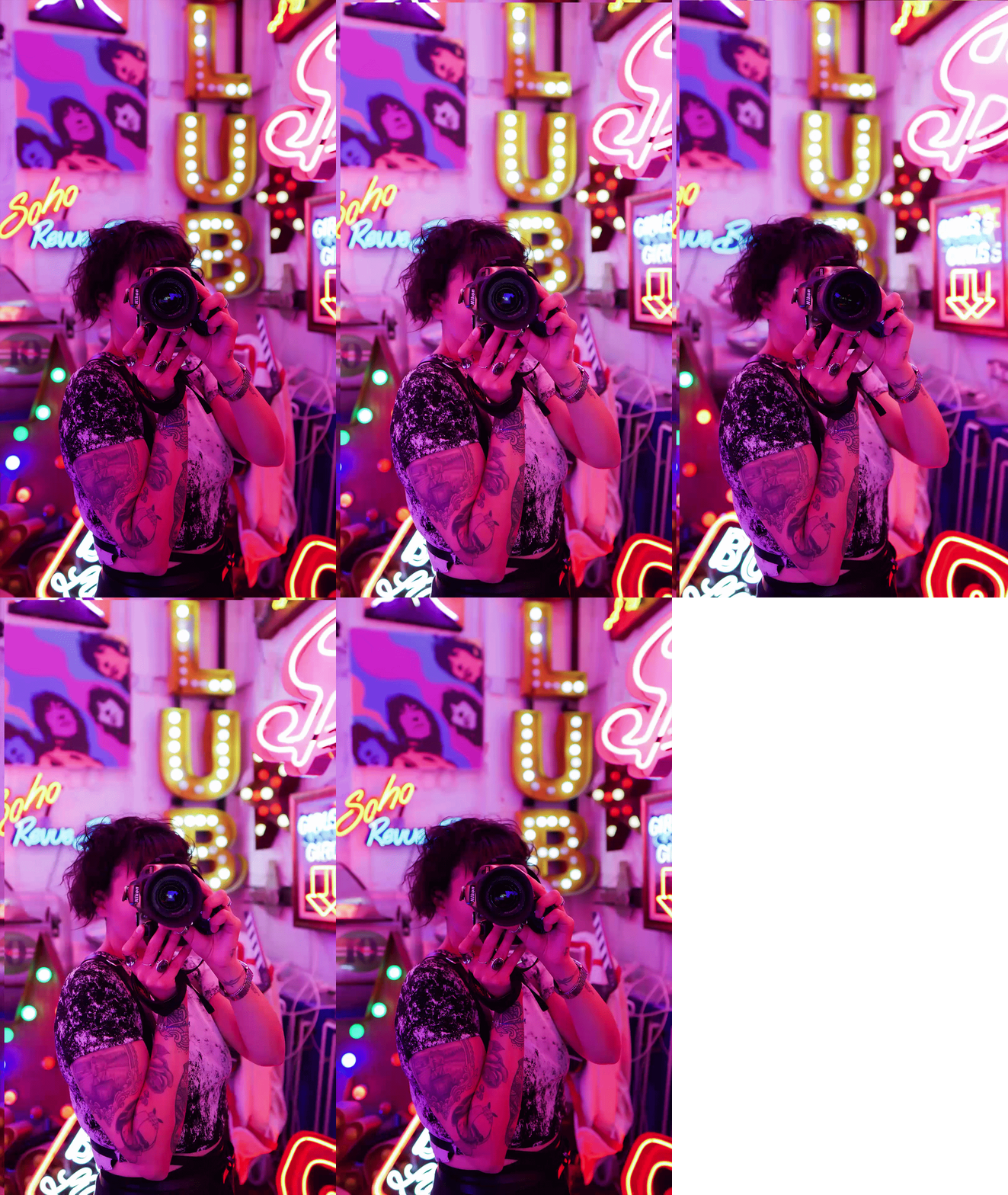
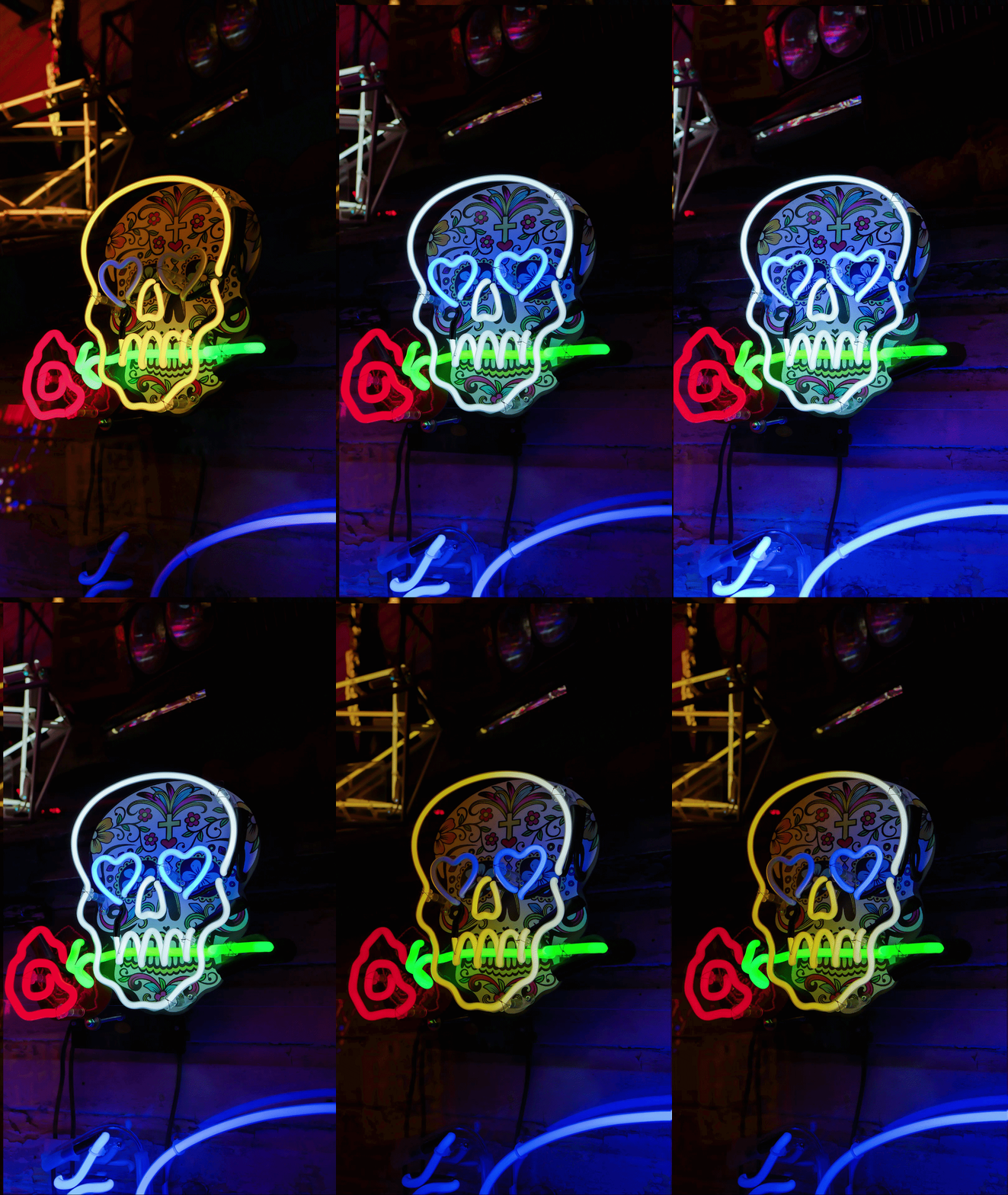
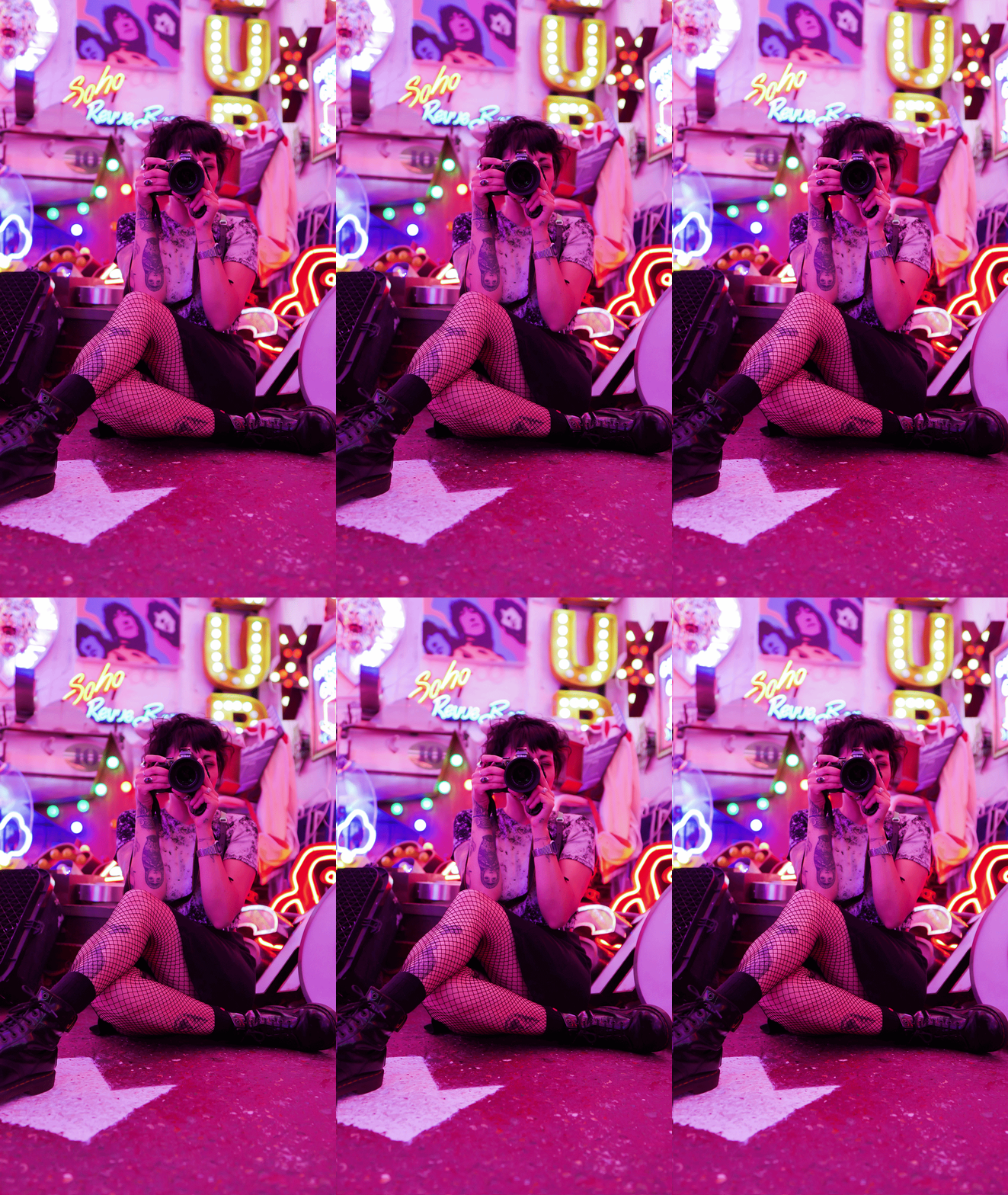
Steps and setup for creating them
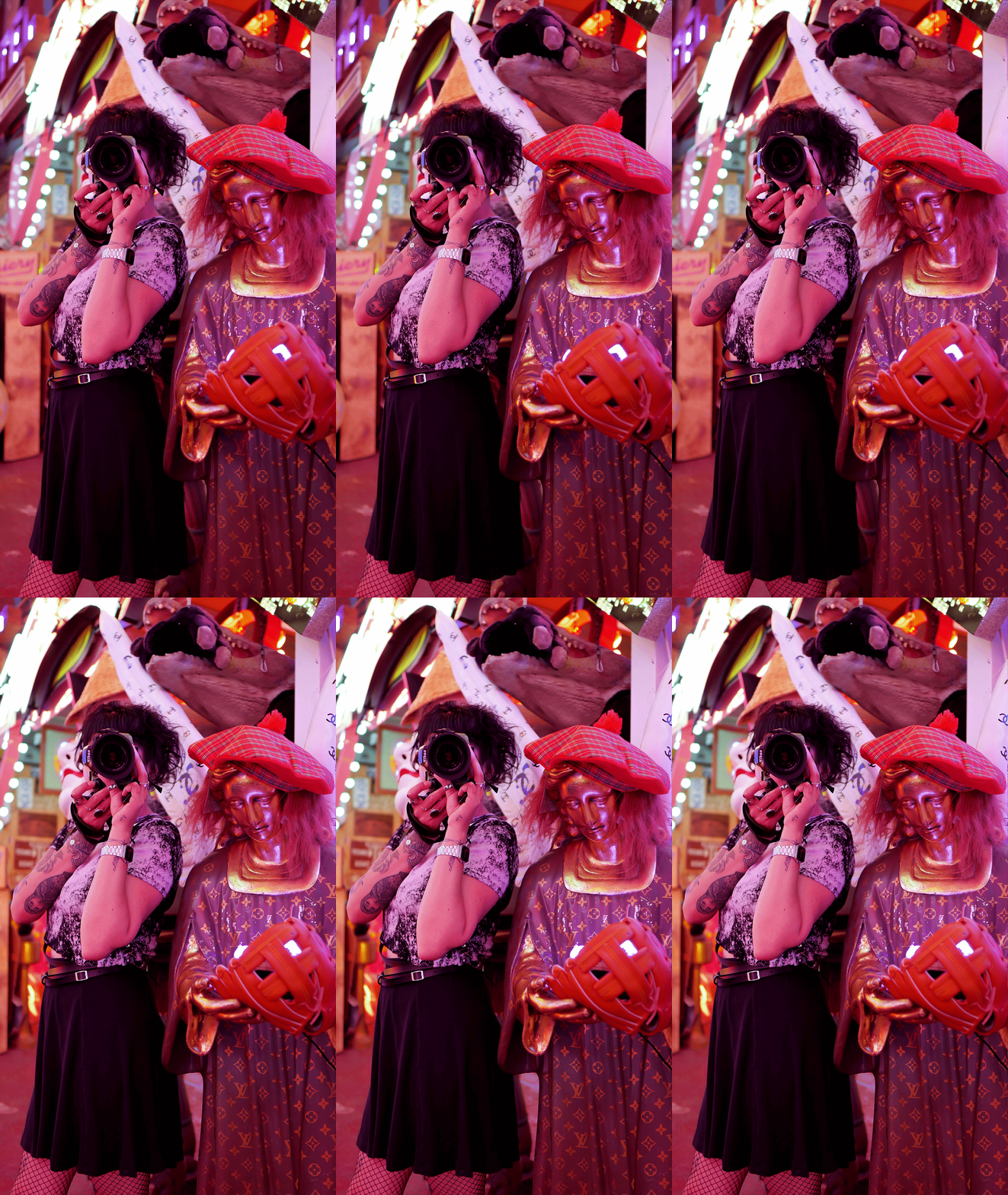
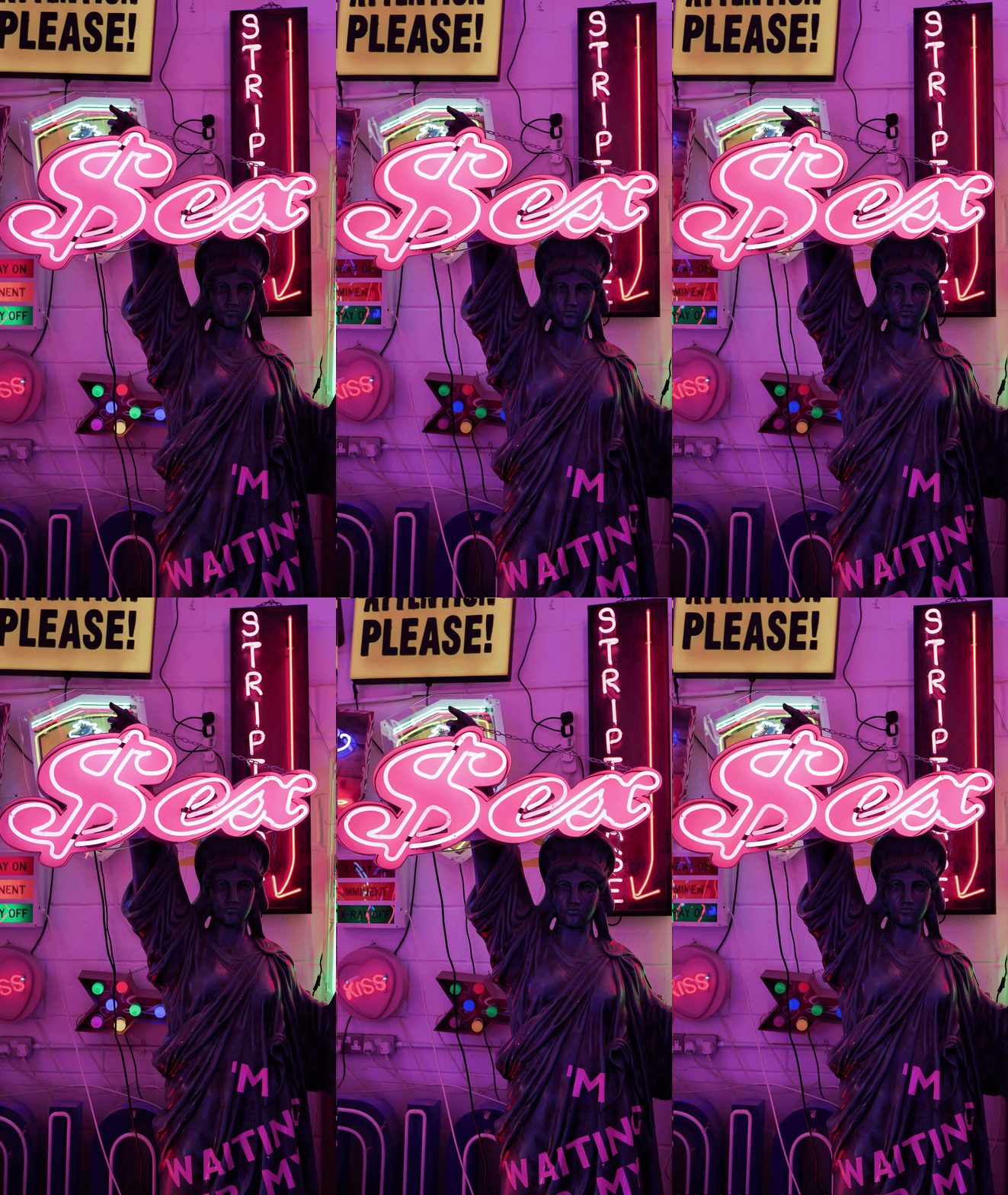
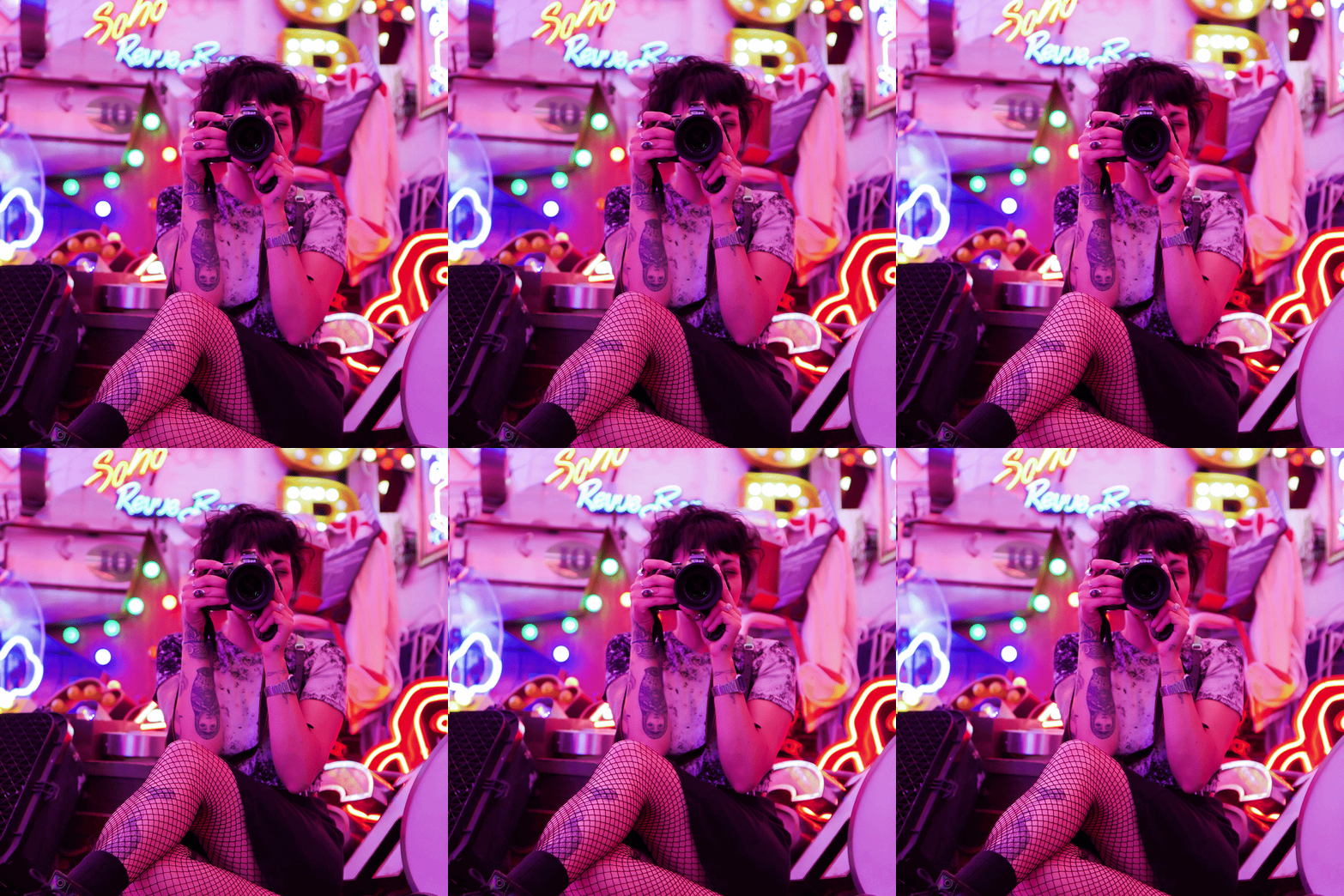
The process starts in-camera. When I spot a moment, movement or scene that could work as a stereoscopic image, I capture two, three or sometimes more frames in very quick succession, making sure I keep a key point of interest consistent throughout. You have to ensure the subject stays completely still, and you and the camera lens make small adjustments to positioning. Tricky to get right and often takes a few attempts to nail the best series for post-production use later on. I’ve found using the Sony A7R IV a great tool for this media specifically, making use of the 61 MP Full-Frame CMOS sensor (you need a bit of space and wiggle room for repositioning the images later on in Adobe Photoshop).
That point of focus could be a person moving through a space, an object being interacted with, a lighting feature, a beautifully presented plate of food, or a small detail that helps tell the story of the moment. The aim is to capture just enough movement between frames to create a sense of depth and energy, while still keeping the image visually connected.
Once back at the editing stage, I start in Adobe Lightroom, where I process the individual images to ensure they have a consistent look and feel. I adjust exposure, colour balance, contrast and tonal details across each frame so the final animation flows naturally rather than feeling like separate photographs stitched together.
From there, the images are brought into Adobe Photoshop, where the real magic happens. Each frame is carefully layered, aligned and timed to create the looping animation. By combining these slightly different perspectives, the image begins to move with that familiar “wiggle” effect – almost as if the photograph is breathing.
Depending on how the content will be used, I’ll sometimes take the finished animation into Adobe Premiere Pro to export it as an MP4. This is particularly useful for clients who want to use the content across social media platforms, where video formats work better for stories, posts and feeds. This also allows me to add separate layers, effects, client branding, logos, etc. All exportable in a single HQ .MP4.
The end result sits somewhere between a photograph, a GIF and a short video. It isn’t quite any of them – and that’s exactly what makes it so interesting. It’s a small creative twist that can turn a static image into something people stop and look at, read the caption and explore the link.